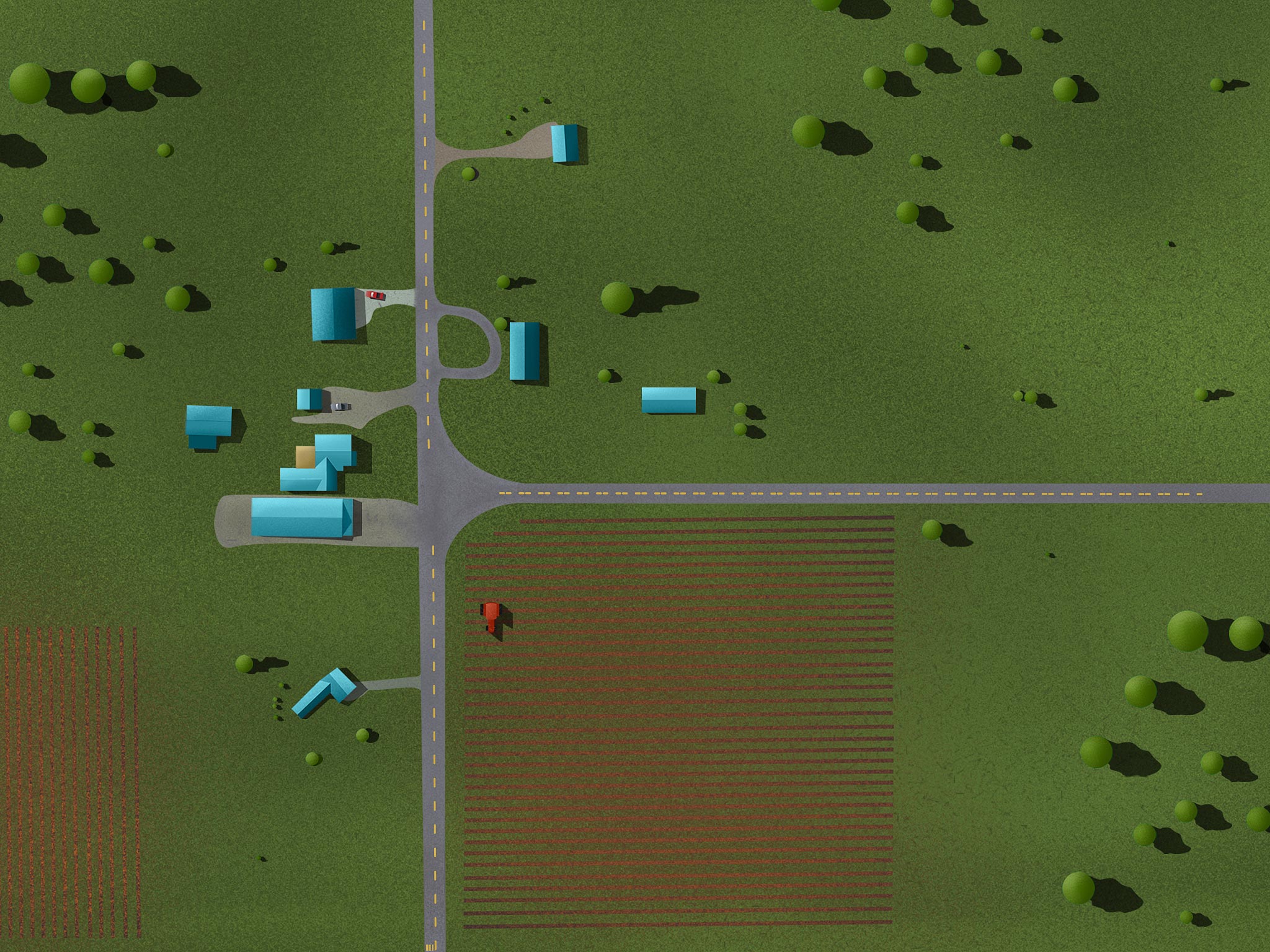
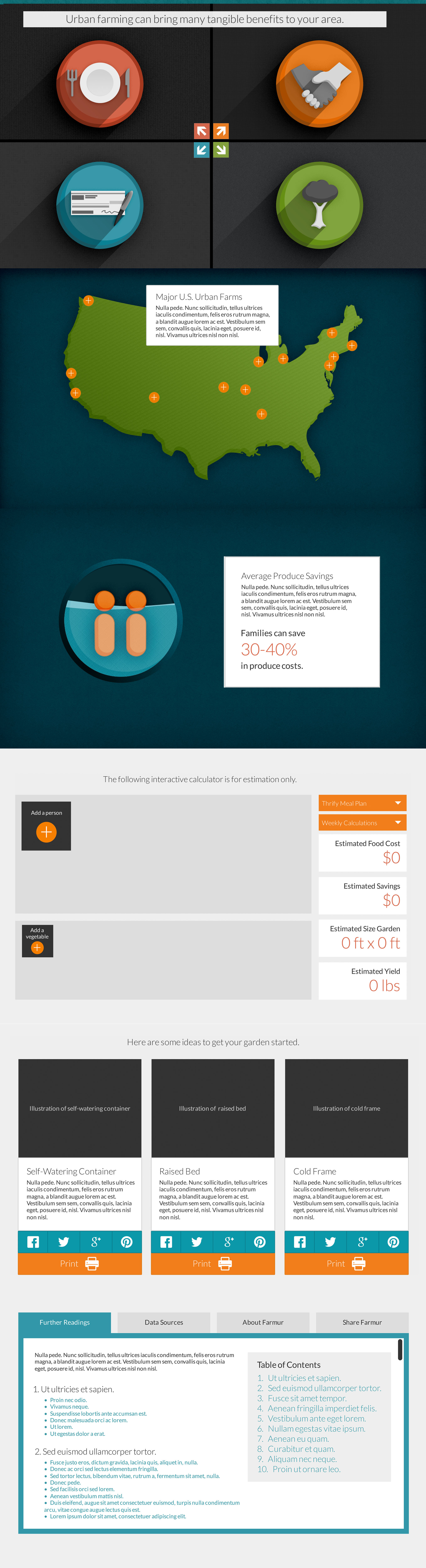
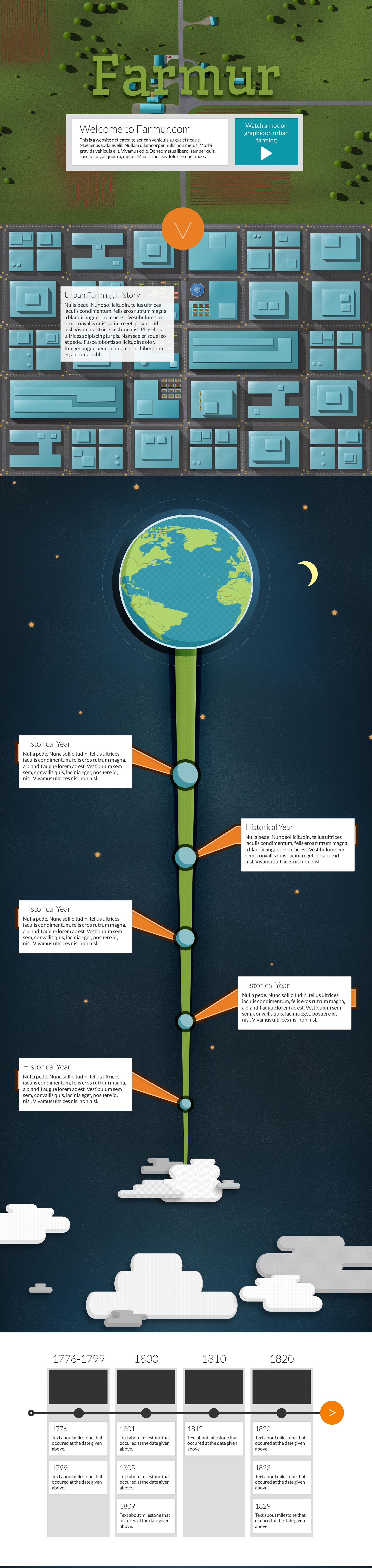
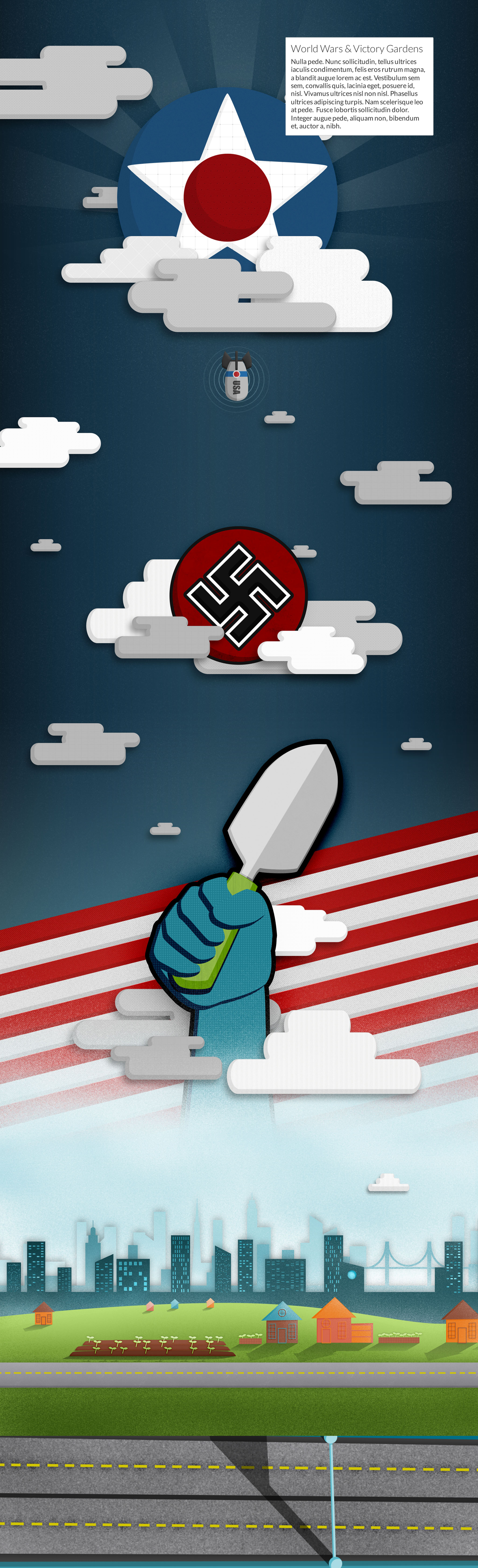
This week I spent time thinking about the placement of text and where it aligns over illustrations. For example, on the homepage I shifted all the illustrated elements over to the left to make room for text on the right. I’m still not sold on the text covering the illustrations, I may try and integrate the text more into the illustrations instead over top.
This week was mainly focused on creating the skeleton of the site, and the basic structure of the navigation. The site is far from being usable at this point, and much of the styling for the navigation is simply not there.
I started off planning to utilize Bootstrap 3 as my framework, but after further research I have decided to go with Foundation 4. The major purpose behind this is due to the adaptive image plugin called “Interchange.” Since my site is so image heavy, it will be important to serve the proper image size for the correct screen size. I could add a responsive image plugin to Bootstrap, but there are a few features Foundation offers that give it the edge.
The following files require the Bootstrap 3 framework to function properly, but if you’re interested in the code I’ve created thus far, it’s below:
This week was all about typography and font explorations. I went through quite a few different pairings to try and discover the type I prefer. The heading type I was using looked a bit playful but the body copy I still like. I’m using the Lato for body copy and Roboto Slab for headings and titles. Even though my first choice was Wellfleet for headings, I feel Roboto Slab helps the entire visual style “grow-up.”
Farmur is a responsive web site that allows users to explore the history, present day, and future of urban farming through interactive info graphics, motion graphics, and illustrations. Users are encouraged to learn about urban farming concepts by engaging the material through rich media.
Here’s a continuous version of what I’m planning for my long scrolling page. Below that are enlarged sections I created in case you don’t want to see the entire long version. My goal with this site is to make take the motion graphic and let people dive in a little deeper. I’m hoping that by interacting with the information people will remember it and internalize it.
Since I’ve already started my visual design process while creating my motion graphic a lot of what I do in this class will be adapting and updating my designs to fit a web site. To start the class off we’re going to spend some time presenting our current progress and show where we’d like to go with our designs. Below I’m showing the pieces I’ve put together and rearranged to make a single page scrolling web site.
This week was simply about presenting where we were at. In a summer class, there just isn’t enough time to complete a 3 minute motion graphic & take another class at the same time. I will have to complete the video at a later time. Here’s a version with lots of errors and animated up to 2 minutes:
As promised, here is a working prototype of my project as it stands today. I will be running through a few rounds of user testing very soon to help guide me to what I should be fixing up and focusing on. It’s not a final site at all, so you’ll have to forgive the rough nature of it, but it will give a good sense of what the project will include and how the navigation will work. That’s it for this class!
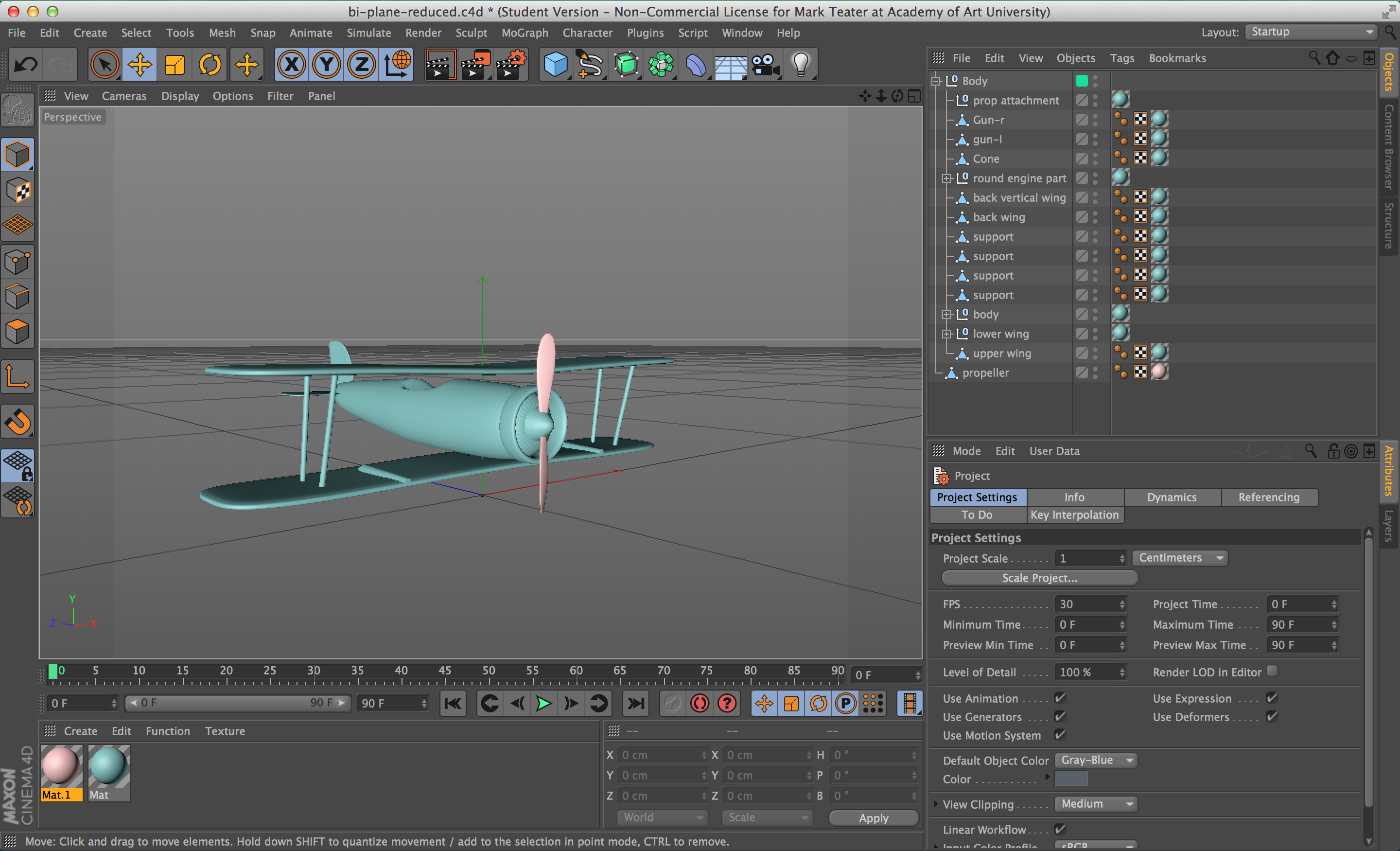
I modeled an airplane in Cinema 4D to use with Element 3D within After Effects. I had to rig the propeller to spin with a null and added bullets shooting with Particular from the turrets on the wings. My animation is progressing nicely, but it’s going to take me longer than this summer class allows for. I will post my final rough draft and update in my final post for the class. Here’s a look at what the modeled plane looks like:
a view from within Cinema showing the model bi-plane.
I will be using the song, Rising Dream from Audio Jungle for my finished motion graphic. It has the feeling of telling a building story that is better as it’s being told. I felt it had a “heartland” feel as well as being a driving song that would inspire the message.