Still working on text placement and positioning. I’m focusing a lot this week on making sure I have a specific size for all the pages to come. I created a blank PSD template to help size everything exactly in the same size. I move everything into the template and export, then I create the page in code for my Responsive Web Class.
This week I spent time thinking about the placement of text and where it aligns over illustrations. For example, on the homepage I shifted all the illustrated elements over to the left to make room for text on the right. I’m still not sold on the text covering the illustrations, I may try and integrate the text more into the illustrations instead over top.
This week was all about typography and font explorations. I went through quite a few different pairings to try and discover the type I prefer. The heading type I was using looked a bit playful but the body copy I still like. I’m using the Lato for body copy and Roboto Slab for headings and titles. Even though my first choice was Wellfleet for headings, I feel Roboto Slab helps the entire visual style “grow-up.”
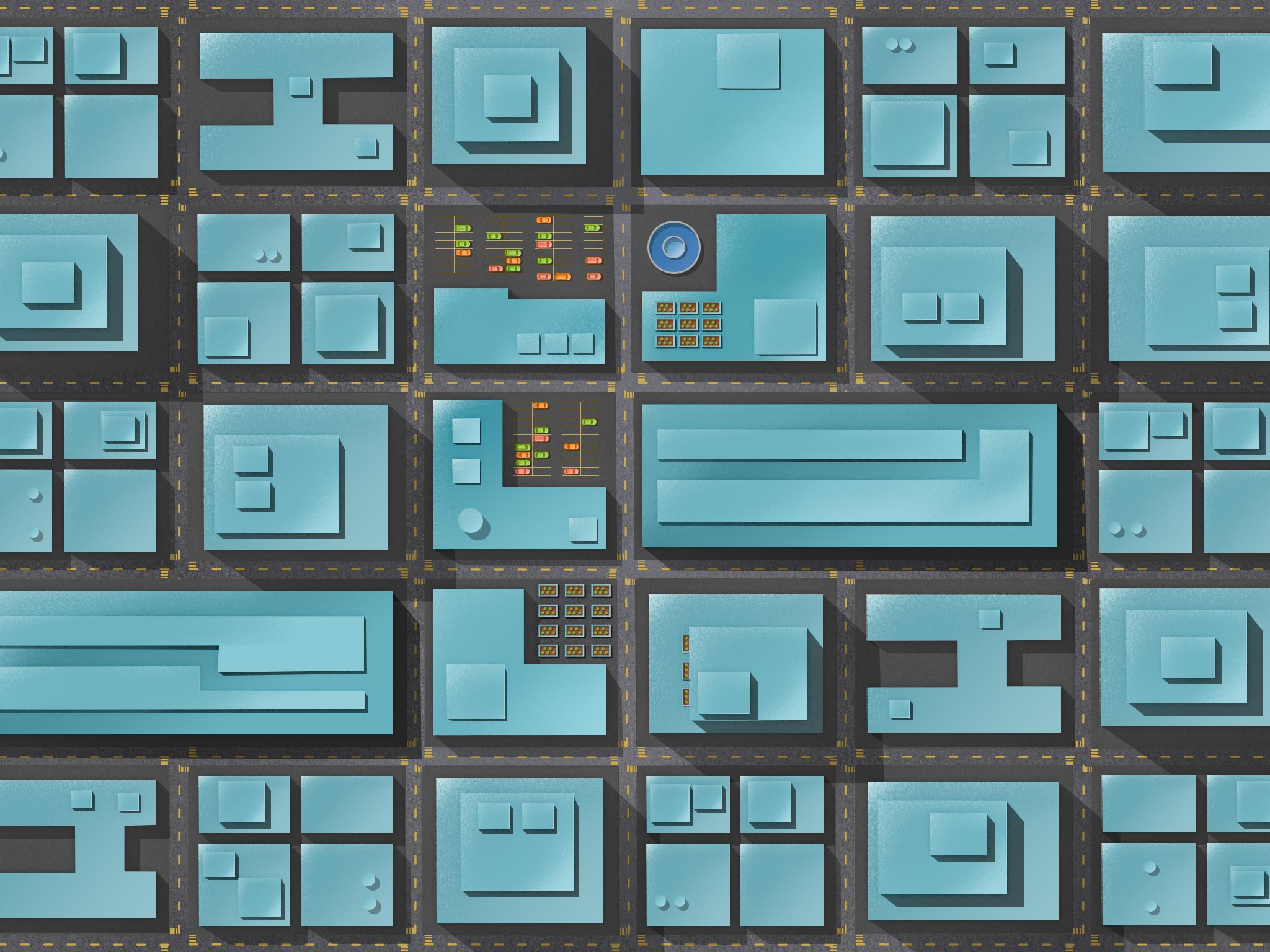
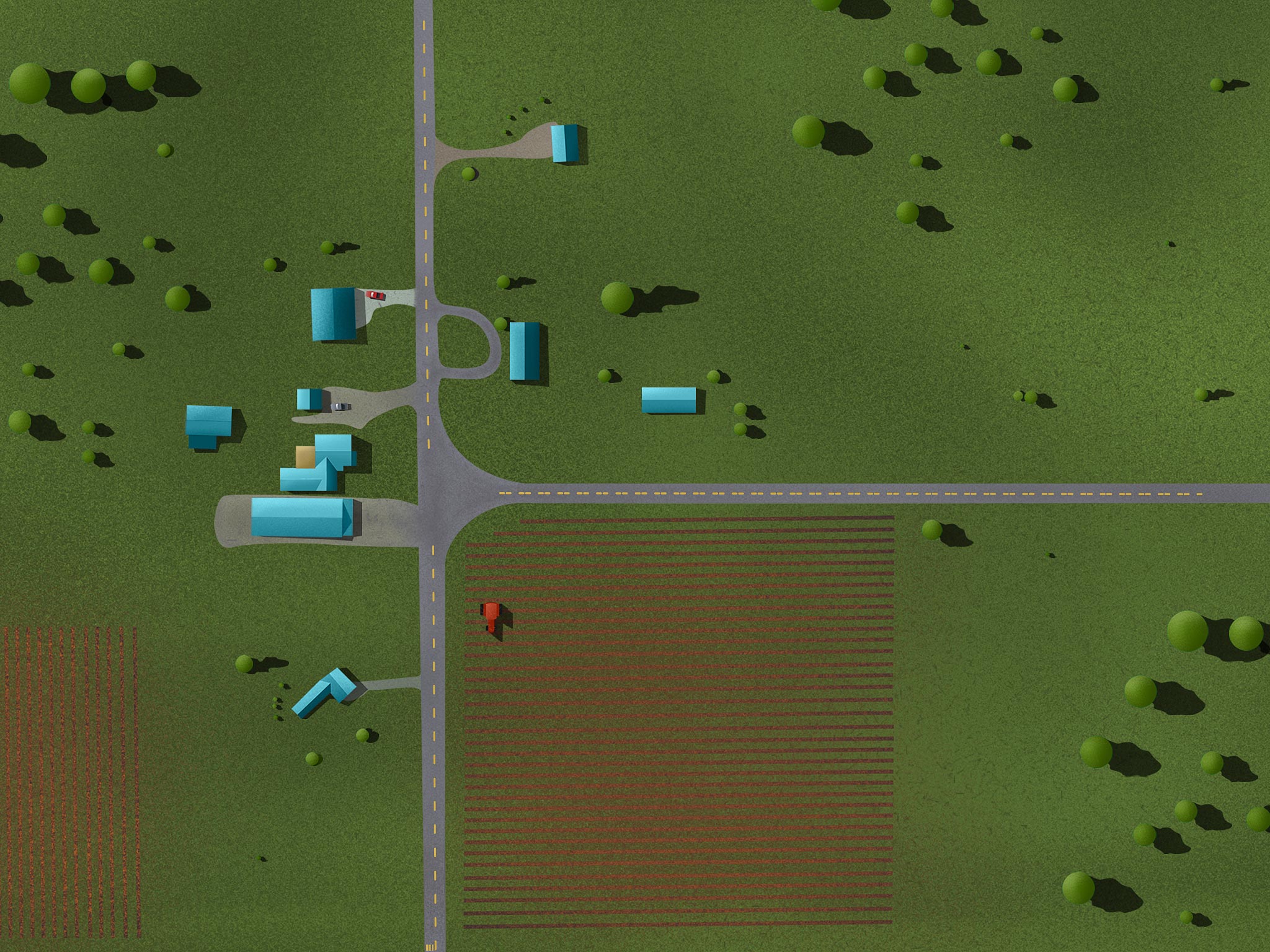
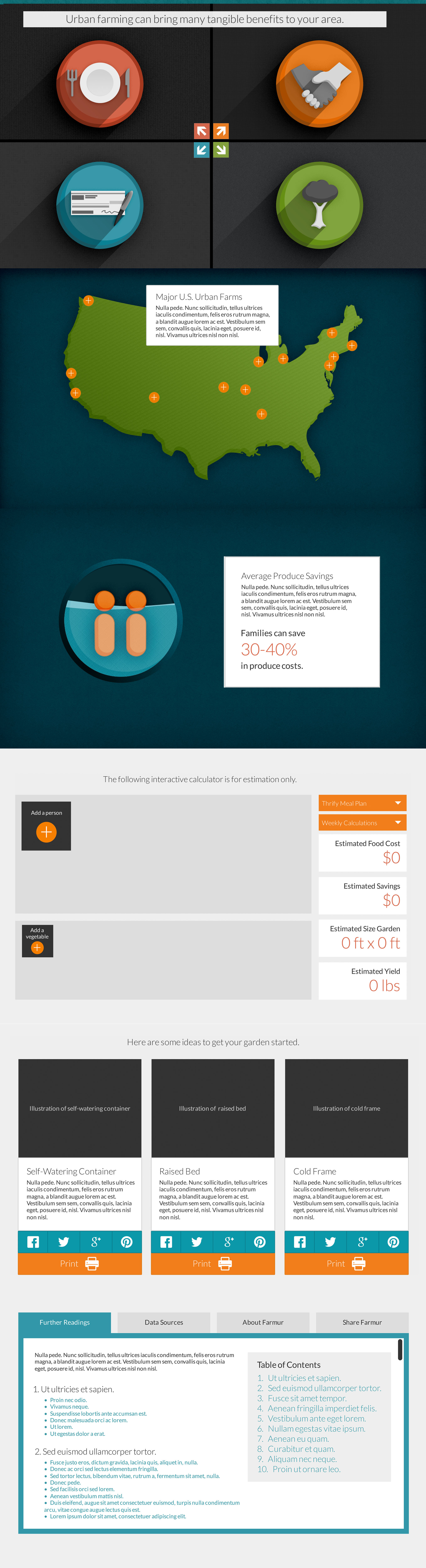
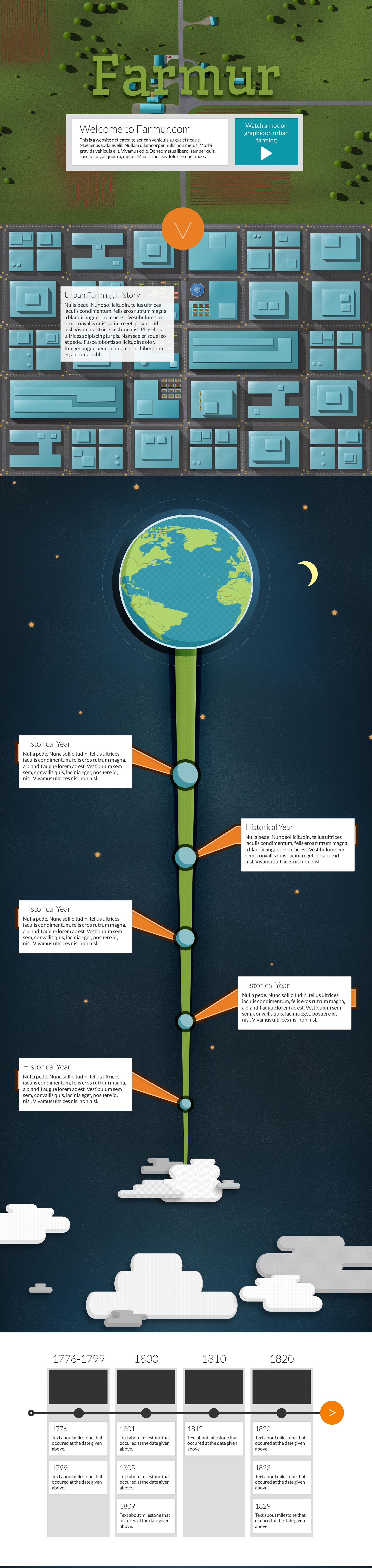
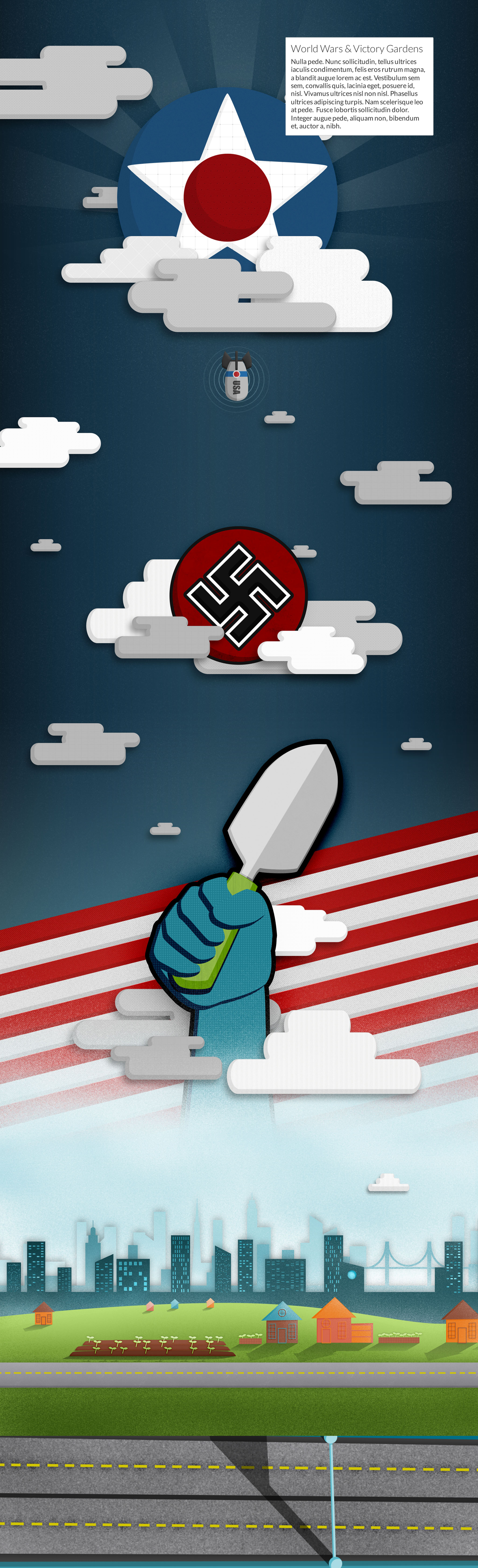
Here’s a continuous version of what I’m planning for my long scrolling page. Below that are enlarged sections I created in case you don’t want to see the entire long version. My goal with this site is to make take the motion graphic and let people dive in a little deeper. I’m hoping that by interacting with the information people will remember it and internalize it.
Since I’ve already started my visual design process while creating my motion graphic a lot of what I do in this class will be adapting and updating my designs to fit a web site. To start the class off we’re going to spend some time presenting our current progress and show where we’d like to go with our designs. Below I’m showing the pieces I’ve put together and rearranged to make a single page scrolling web site.