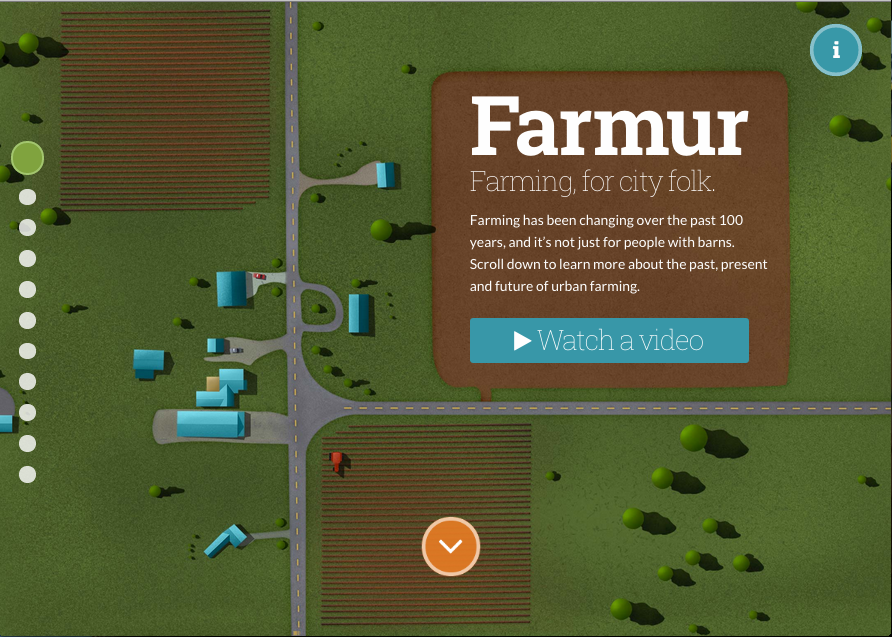
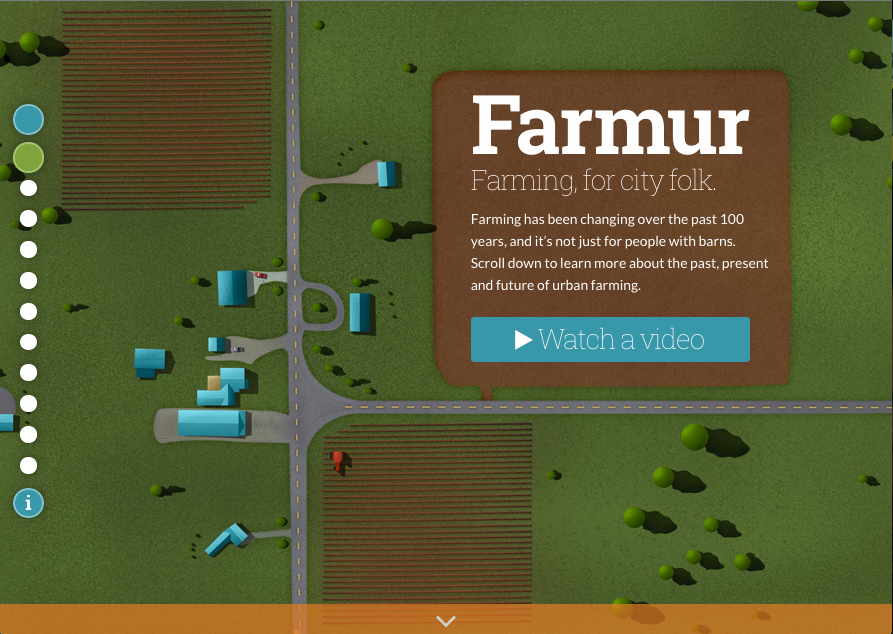
This week I focused on navigation and applying a couple suggestions from users during my user experience 2 testing. Although I wasn’t able to finish the changes, or get to the full list I was hoping to work on, I was able to create the major structure of what the navigation will be. First, I move the “More Information” icon from the top right over to the left and under the side pagination. This is an attempt to collect all the loose UI elements that created confusion for users. Instead of looking all over the screen, users can start looking for major navigation elements on the left hand side. I also added a new blue button at the start of the pages that will trigger a global menu for users. Right now, the menu modal appears, but there is no menu.
Another change I implemented was to add in a back button. This was a request from a user who disliked that there was no obvious way to move back. Currently, the button goes to the last page you were on, it does not go back through through your path like a browser would. It’s also hidden by default on desktop; a user has to hover over the page headline (top left) to reveal it. The reason for this is that I don’t really want users jumping around. It’s a story, you move forward through it, but if someone MUST go back they will most likely find it as they move their mouse around the screen, or try to click the logo. I plan to add some tooltips in later that will coach people about elements like this as they become relevant. This tooltip wouldn’t appear until the user moves off the home page.
Lastly, I added better labeling on the side navigation and added actual labels to the pagination along the bottom of some screens. It looks back right now, since I had trouble creating my vision through CSS, but I’m hoping to get help on this in class.
Here is my most recent version of Farmur: http://farmur.com/aau/rweb2/week2/farmur.com/index.html