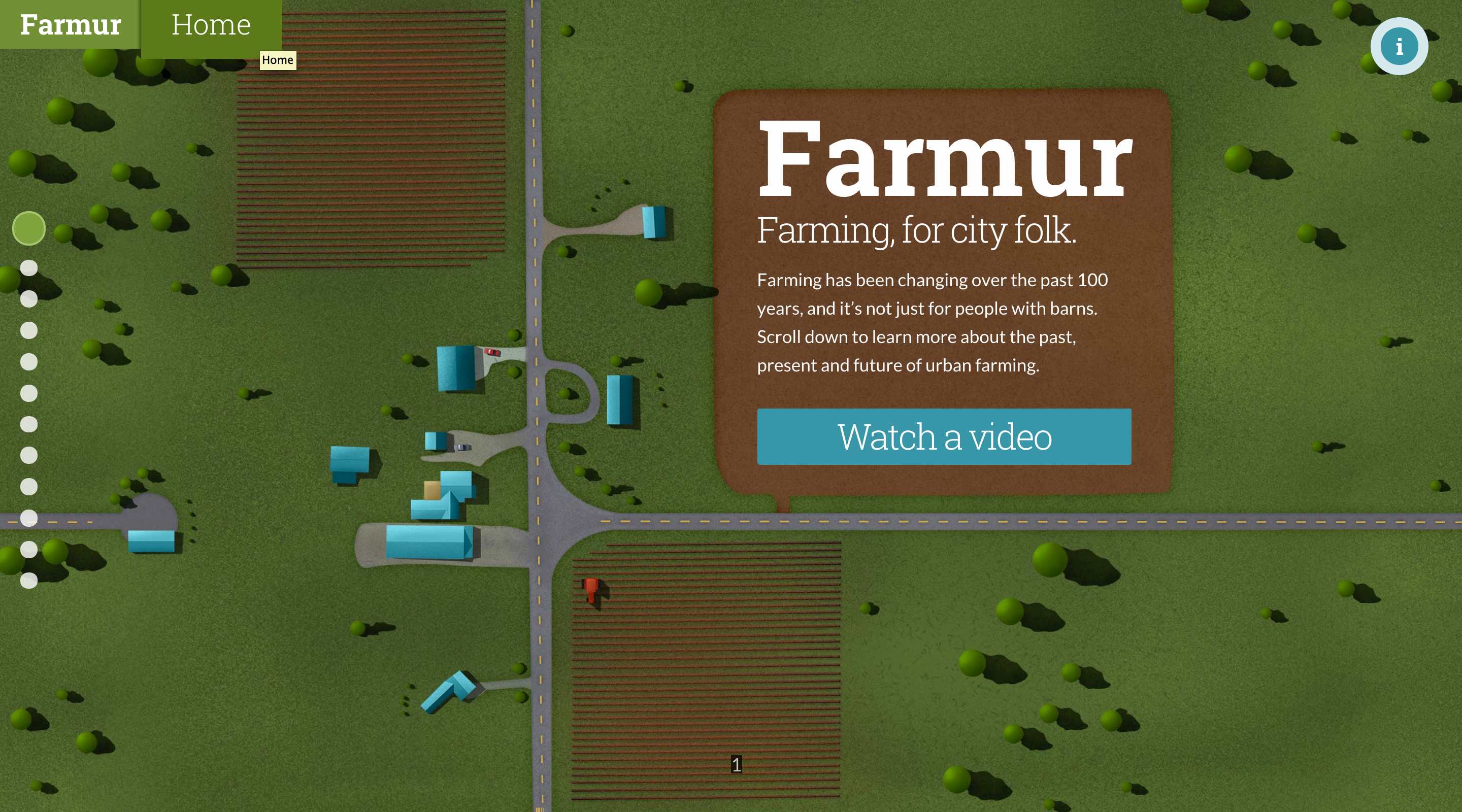
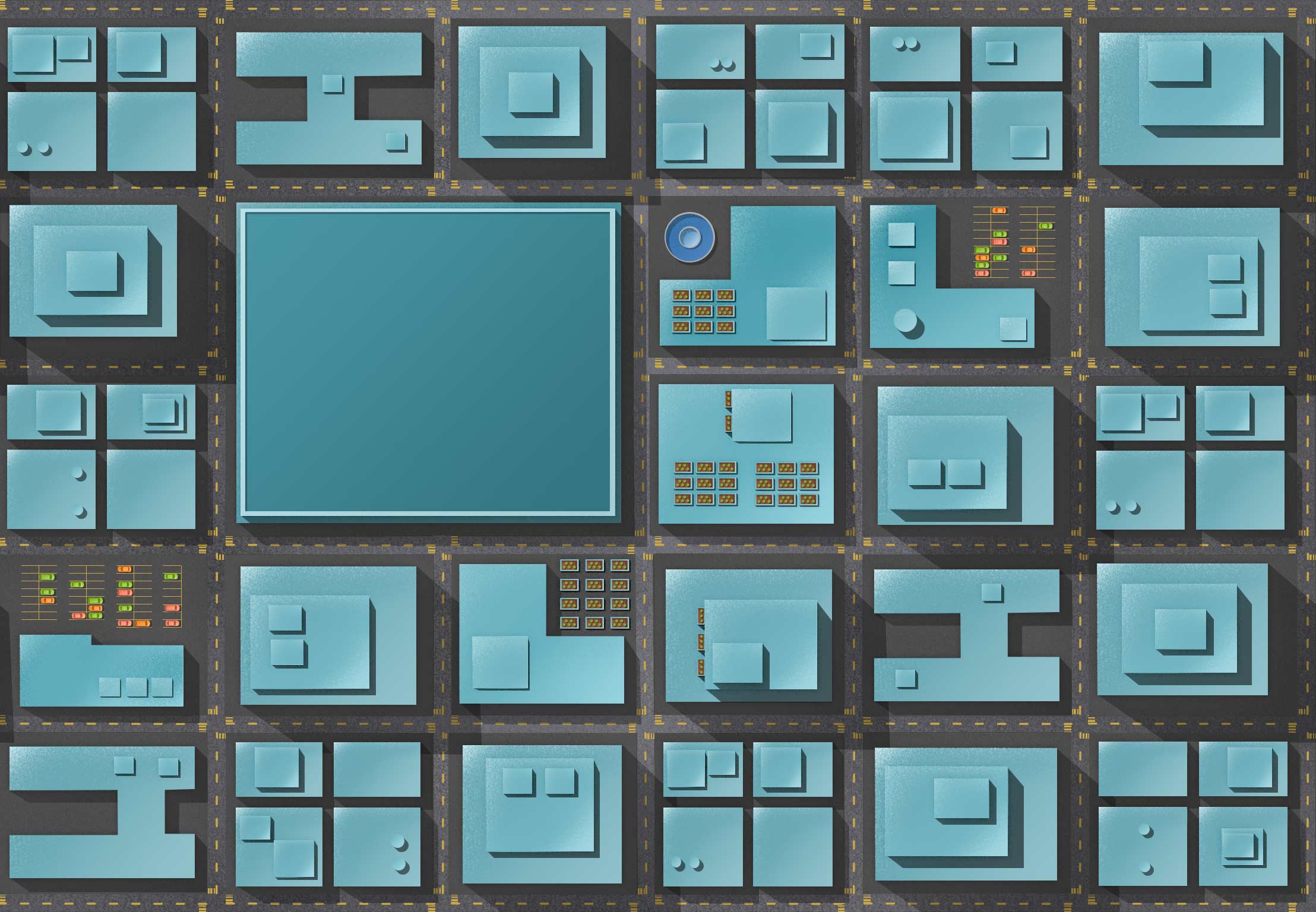
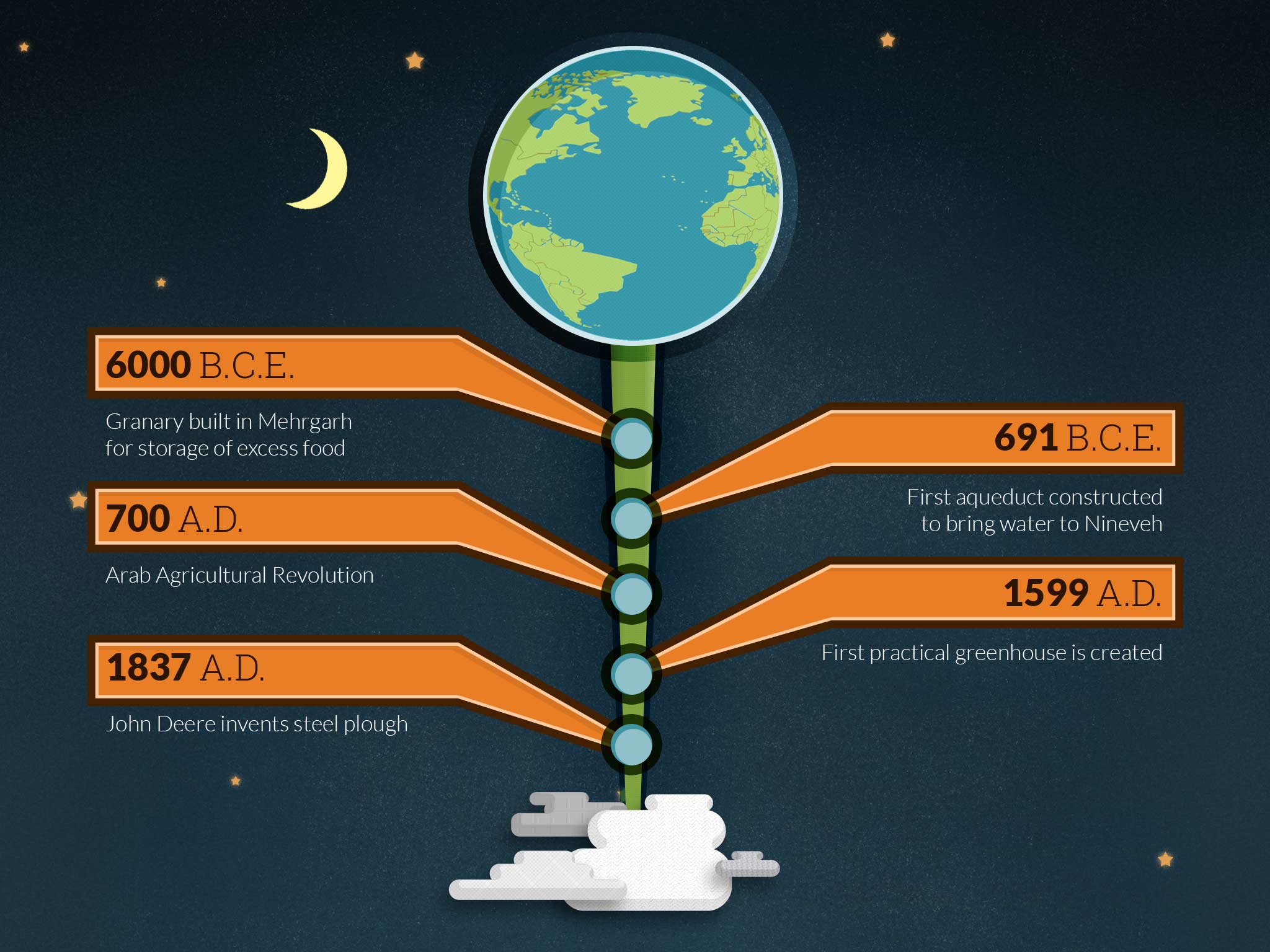
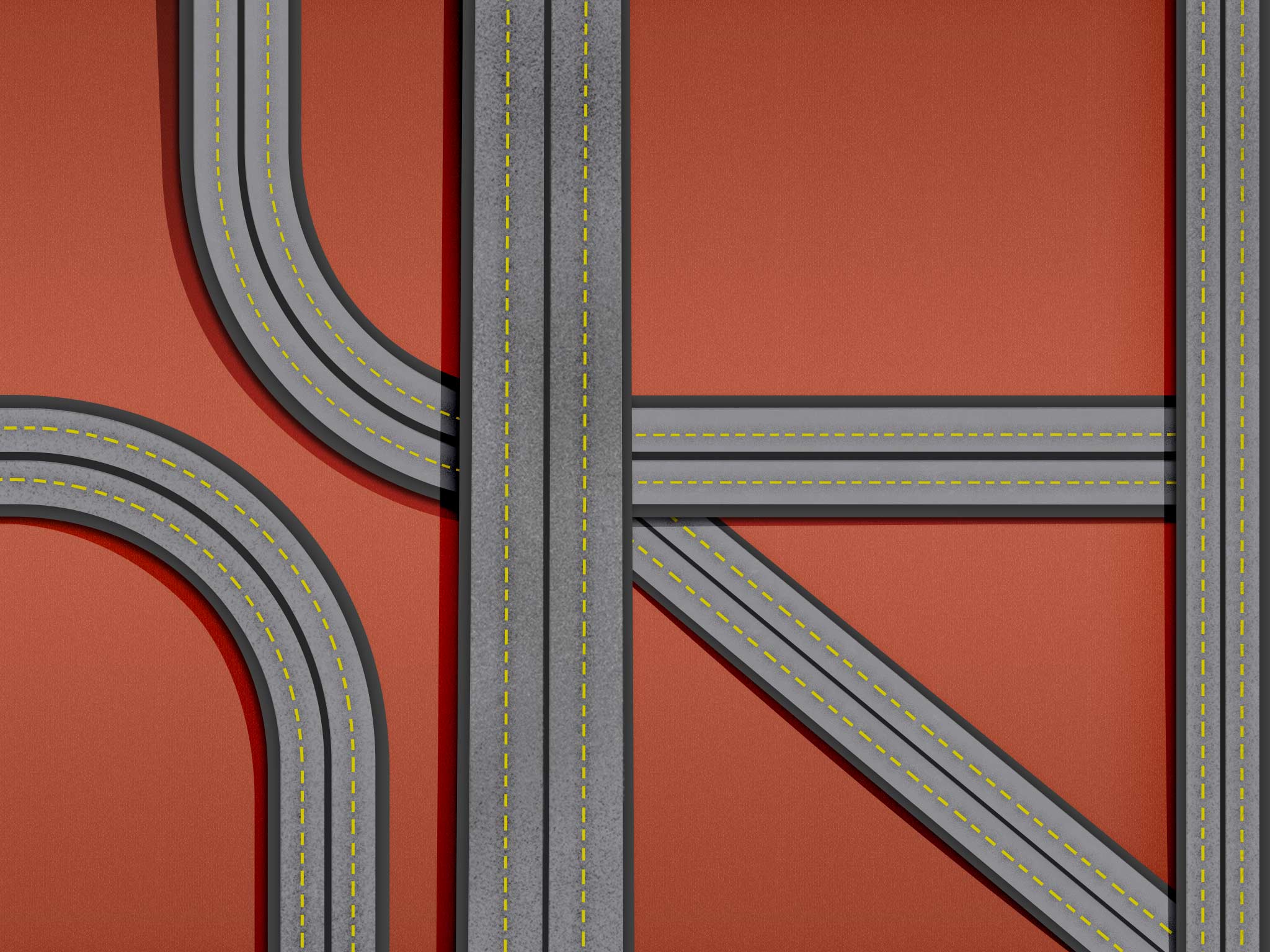
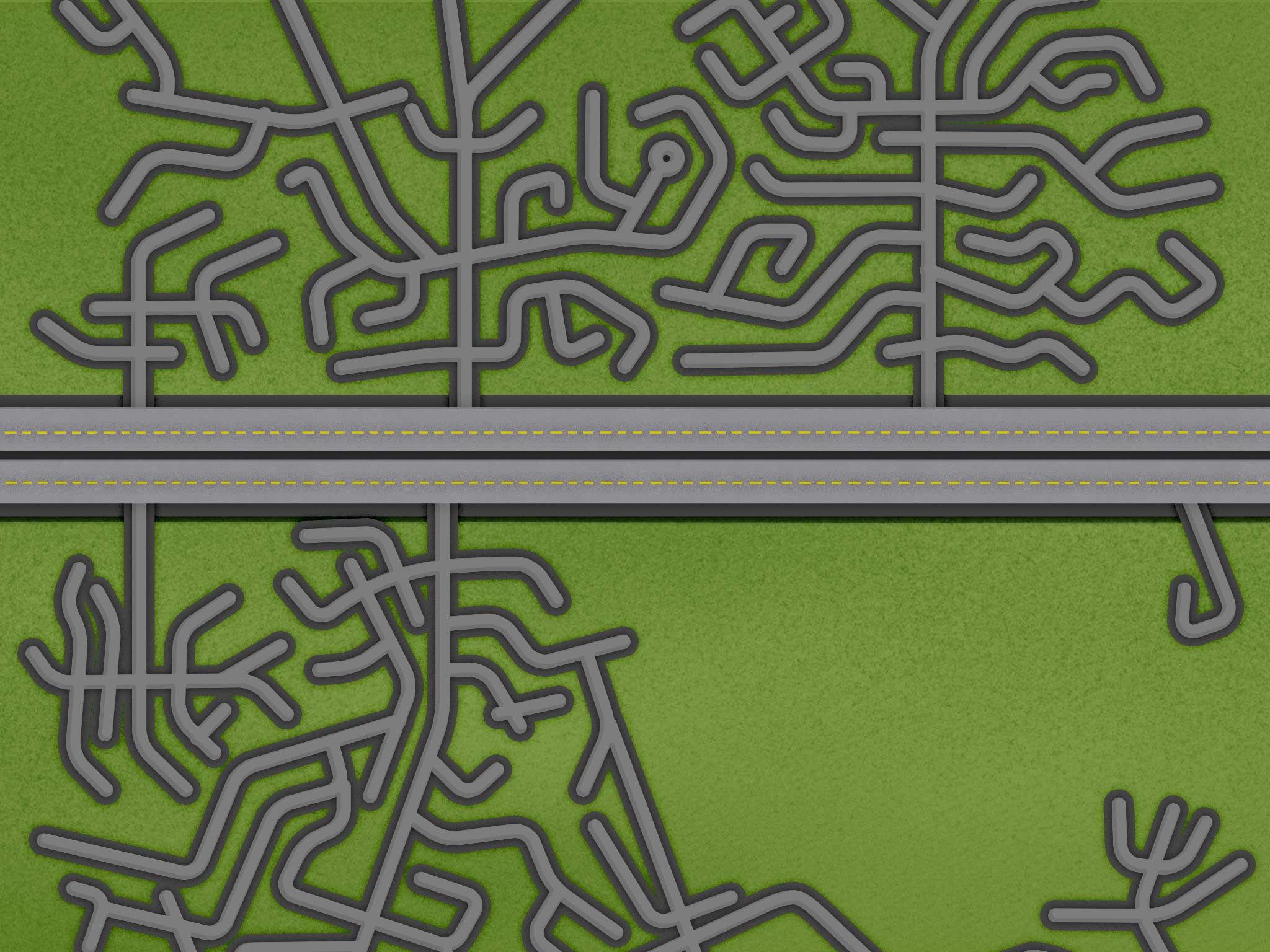
This week I spent a lot of time on making things repeatable on both the left and the right. The illustrations also should appear continuous as you flow up and down. This takes an incredible amount of effort to make full page illustrations that are tiled patterns. My process involved using Offset in Photoshop, and patching the newly created center line. Once the center line was painted out, I used Offset again to move the image back to where it was. Now that the edges fit repeated I took all the images and lined them up on top of each other. With this really long image I started painting the transitions between them to make the flow feel like one continuous illustration. Now, if someone resizes the window, the illustration won’t appear broken, it will all flow seamlessly together.