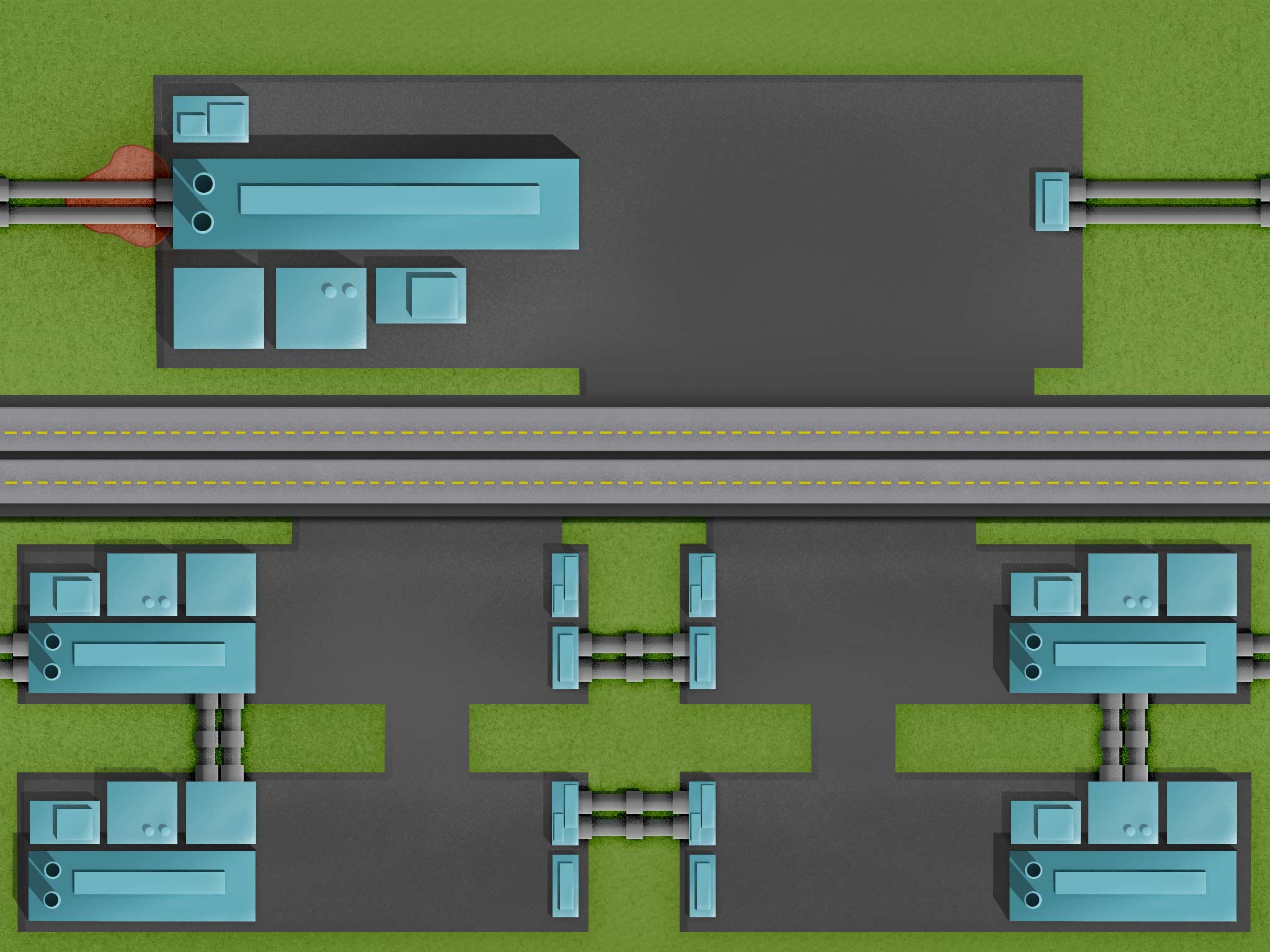
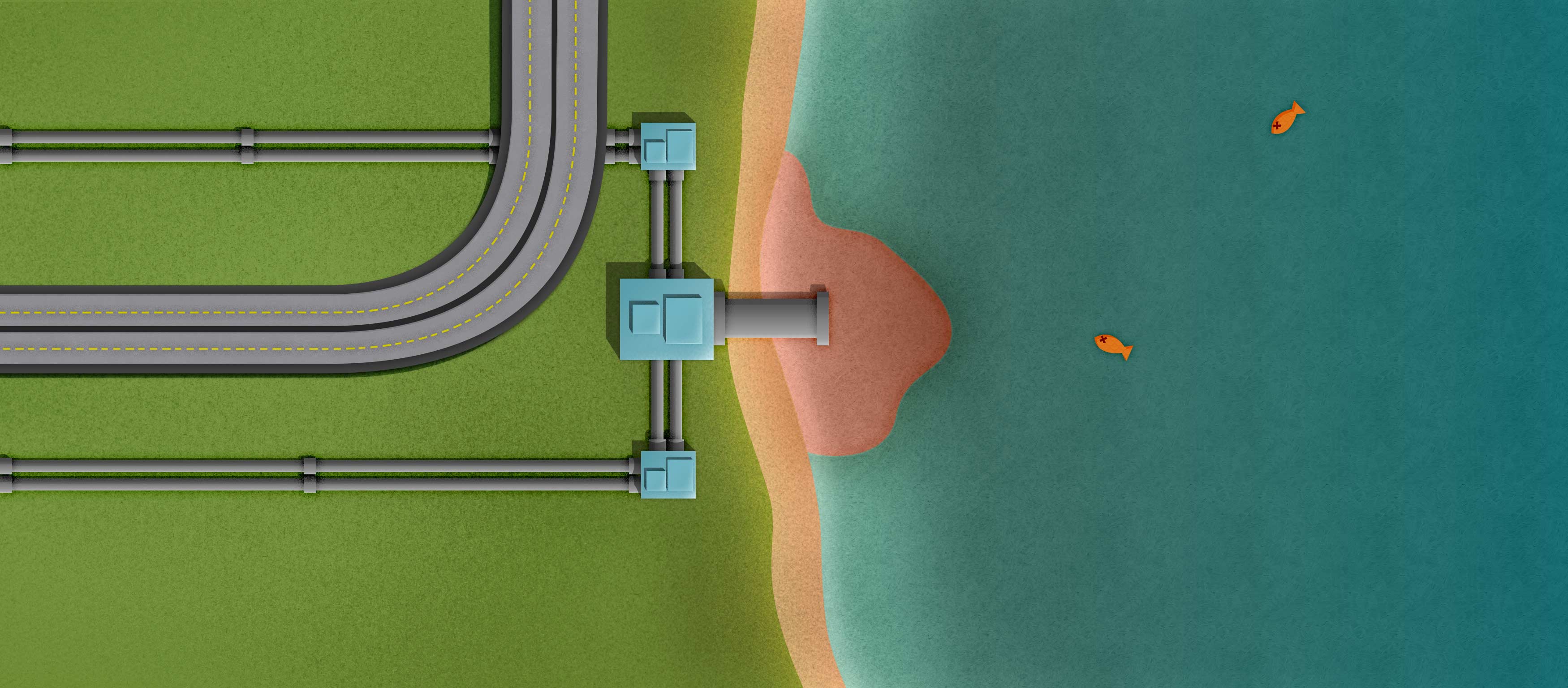
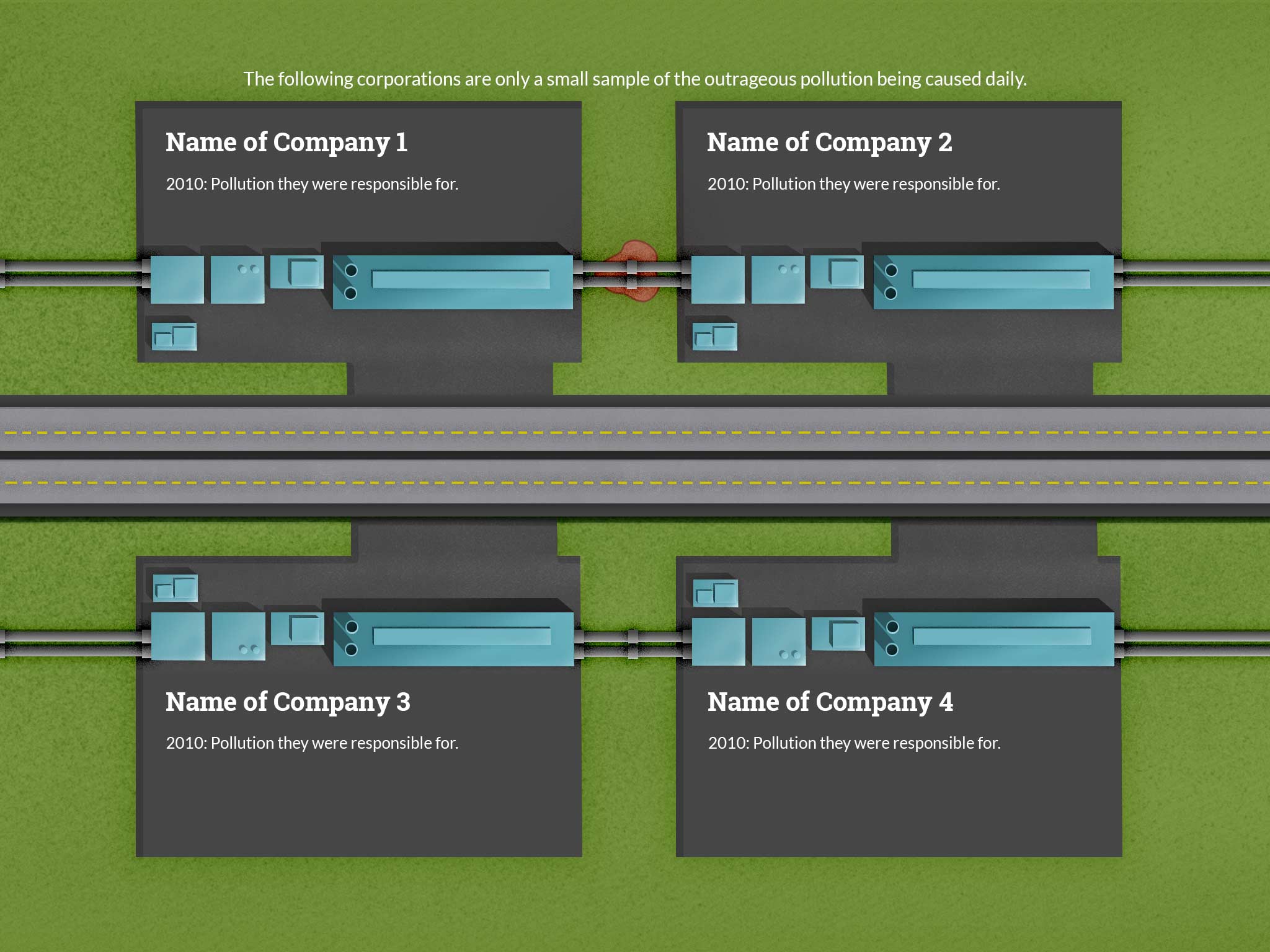
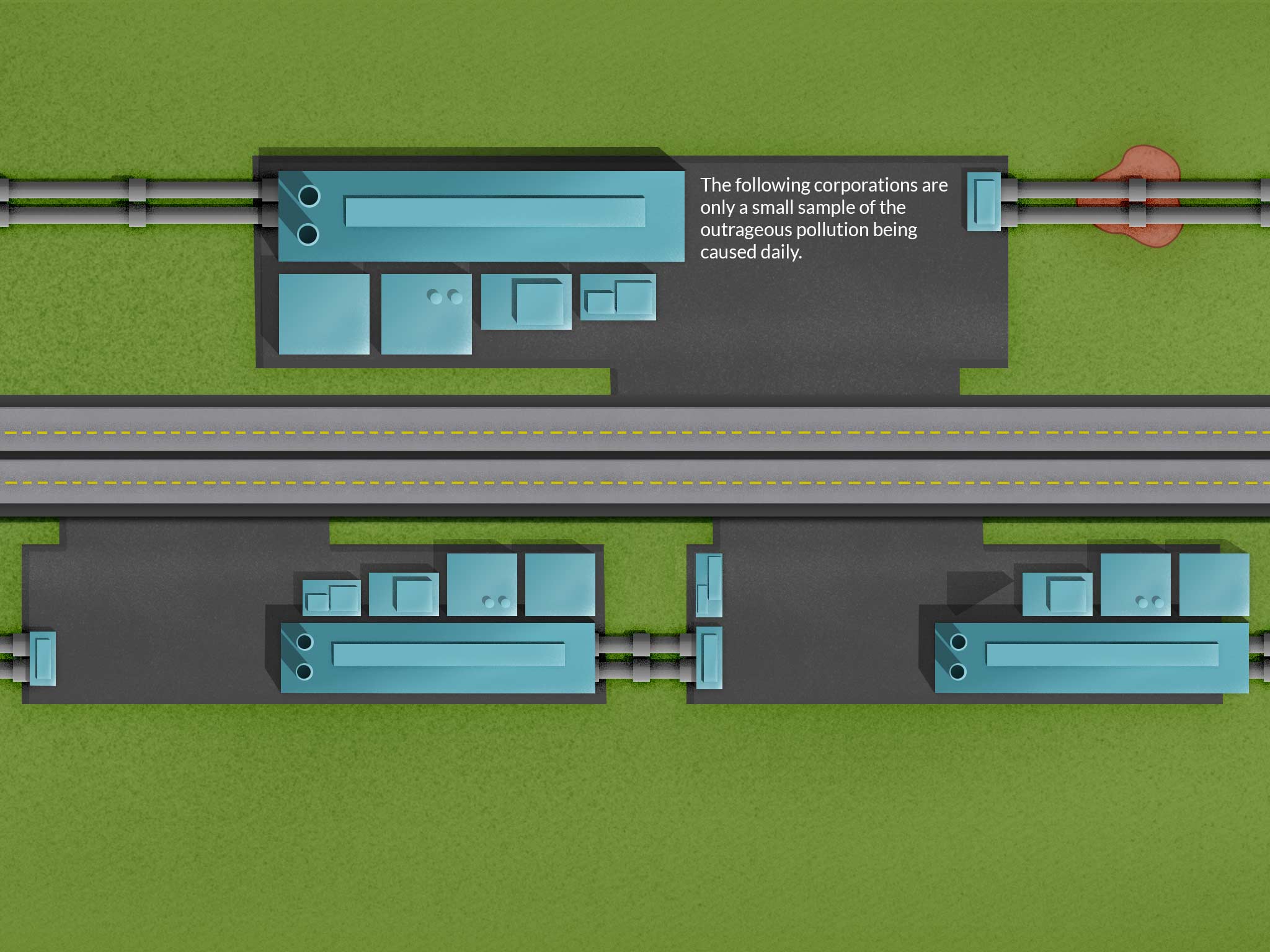
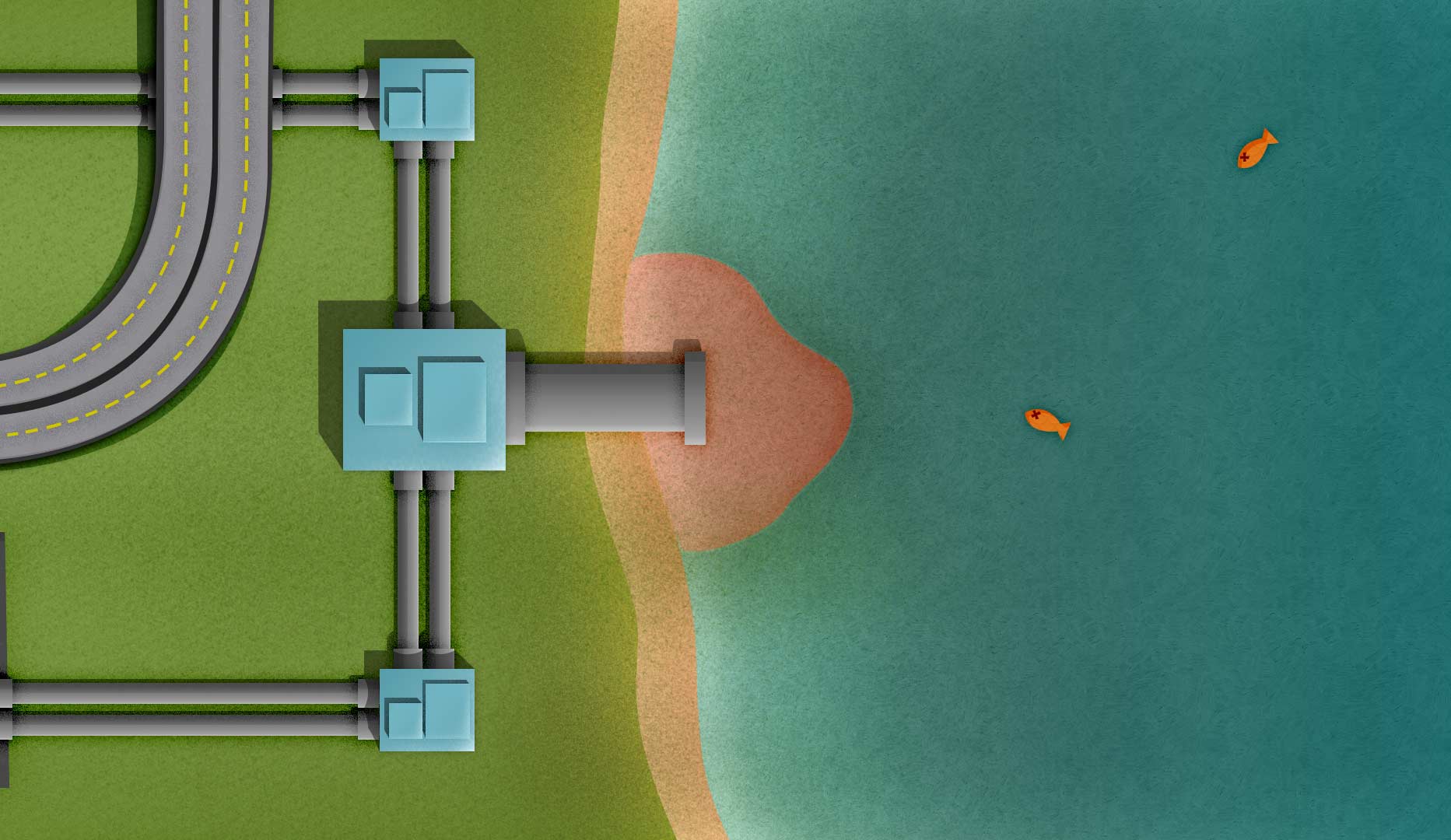
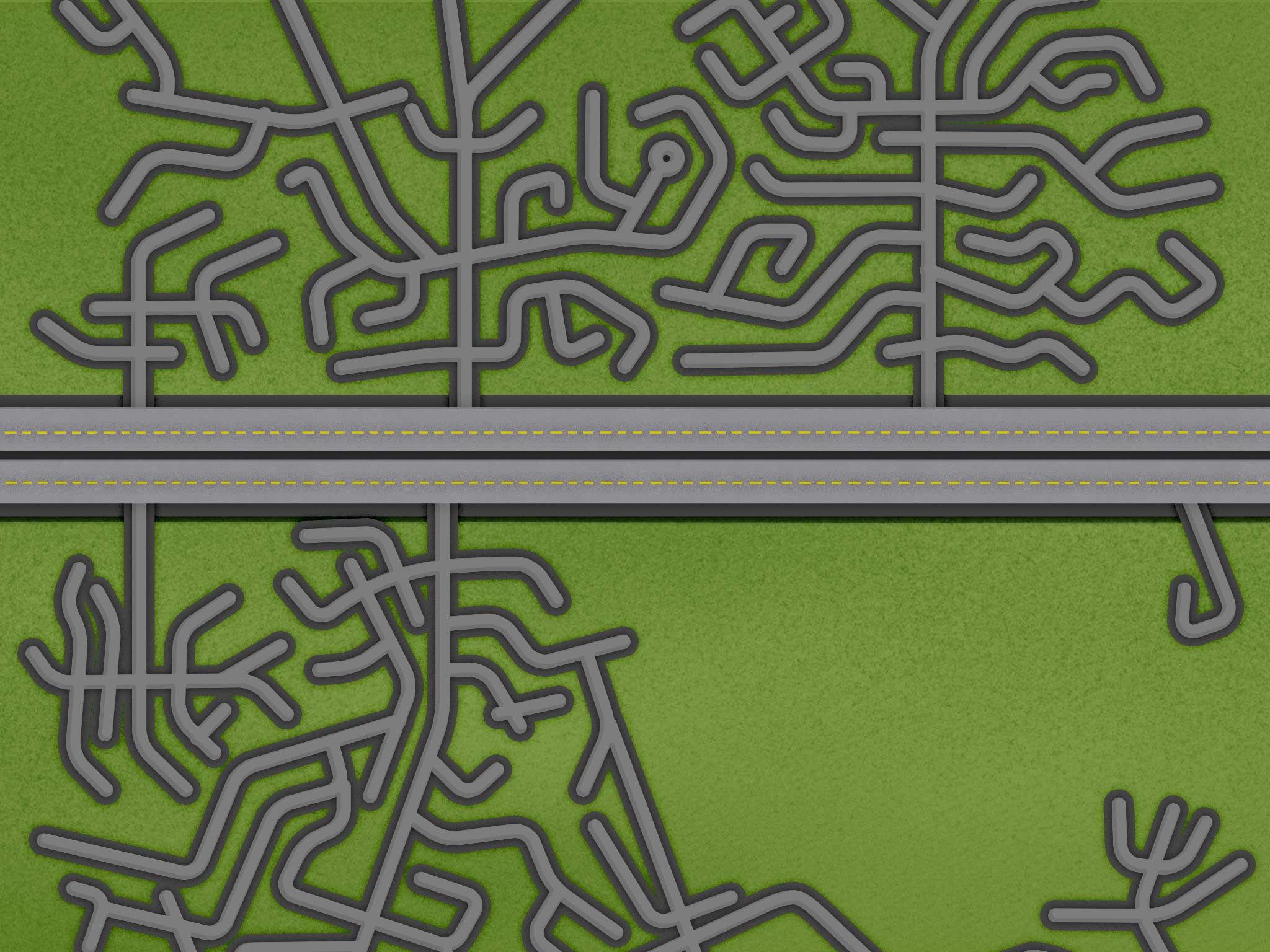
I was able to decide on how to show the corporation and pollution page. Up top, there will be a more prominent company name with a longer description. Underneath, there will be four smaller companies with short descriptions of what pollution they have been in trouble for causing. Also, I lengthened the polluted lake page so I could cover the fact that it can’t be tiled like the other images.
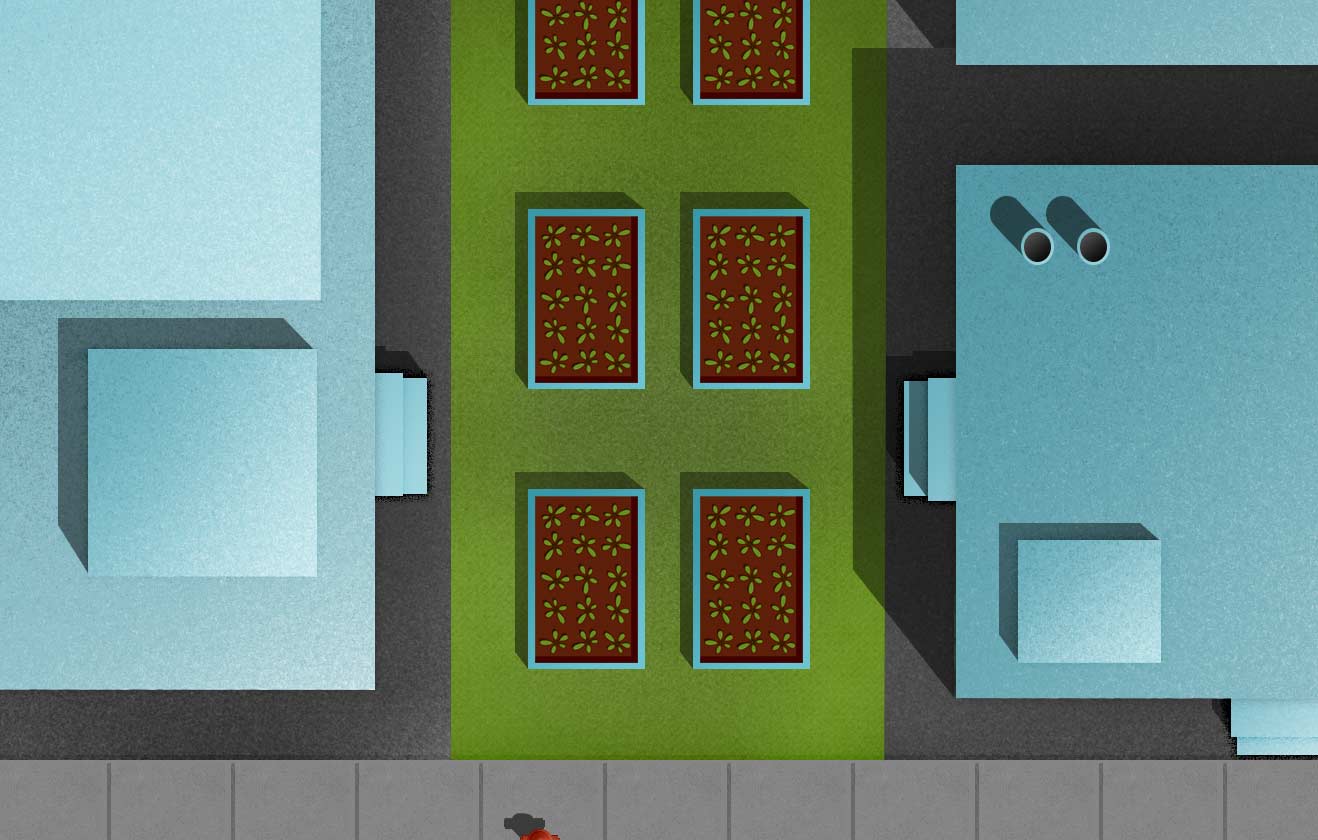
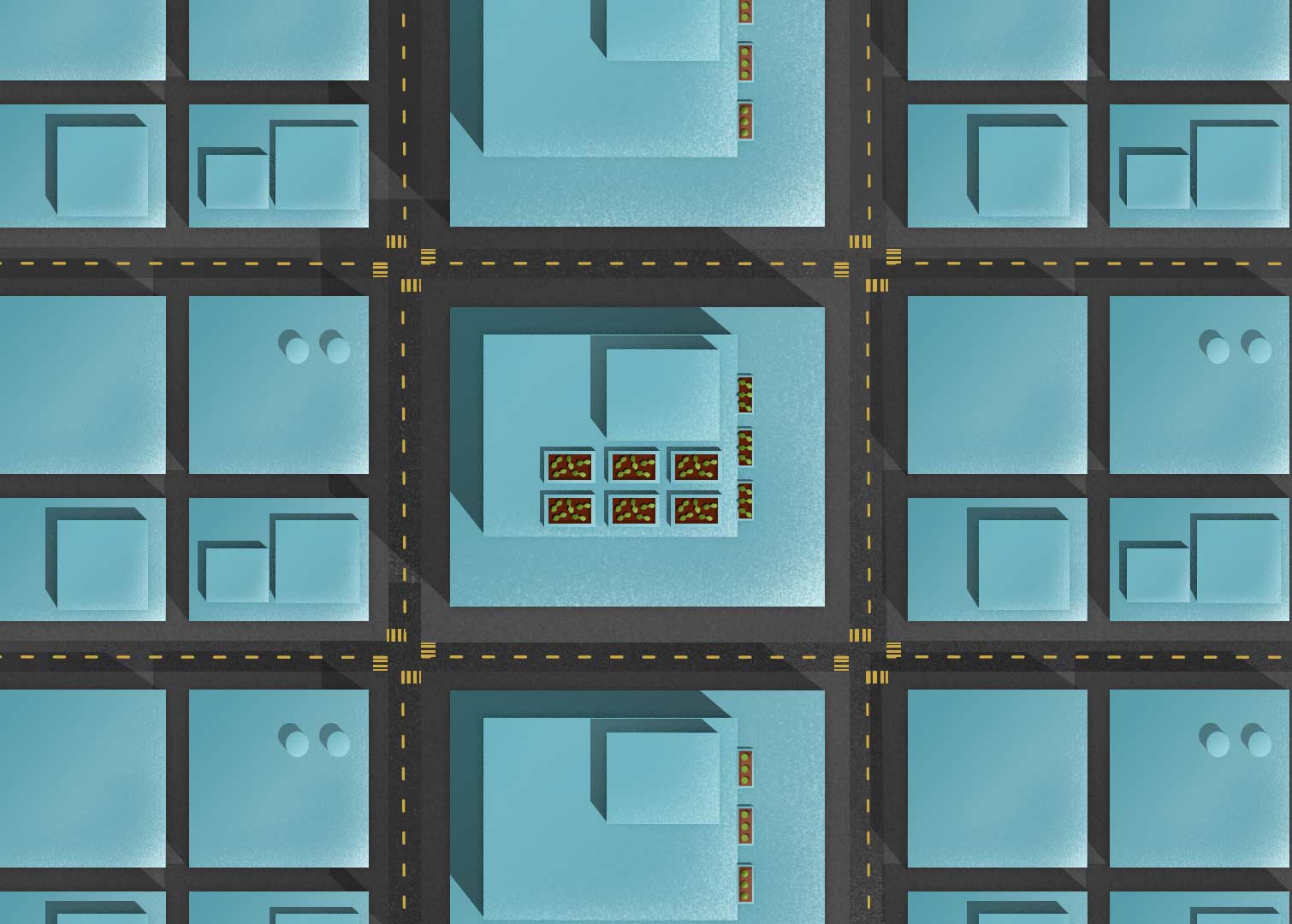
I’m posting a few elements below that I’ve been exporting to use in the web site. You can see different size urban farms, the current logo, and a family under water from food costs. I was told that the family seems out of place in my illustrations, but I haven’t found a solution yet.
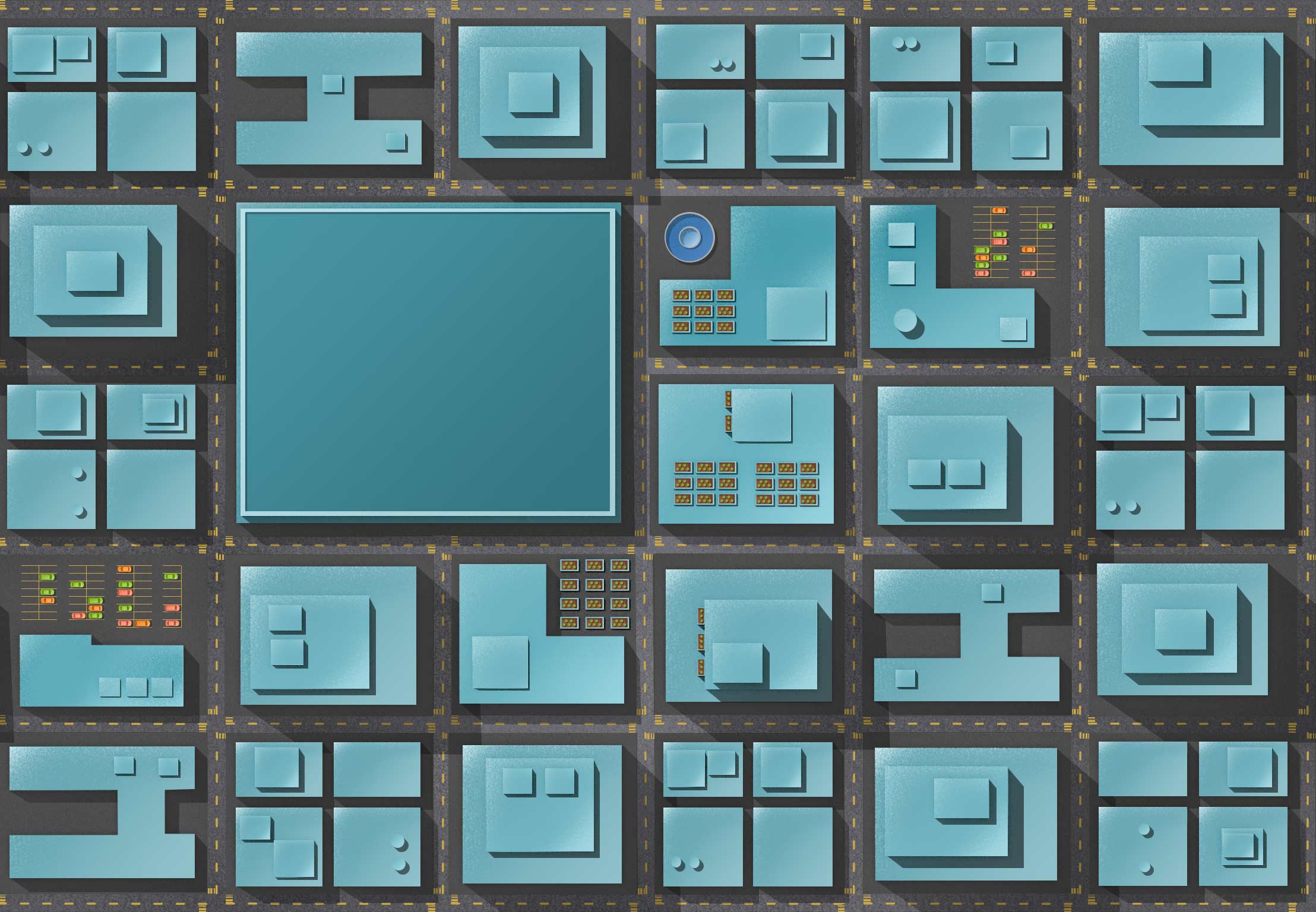
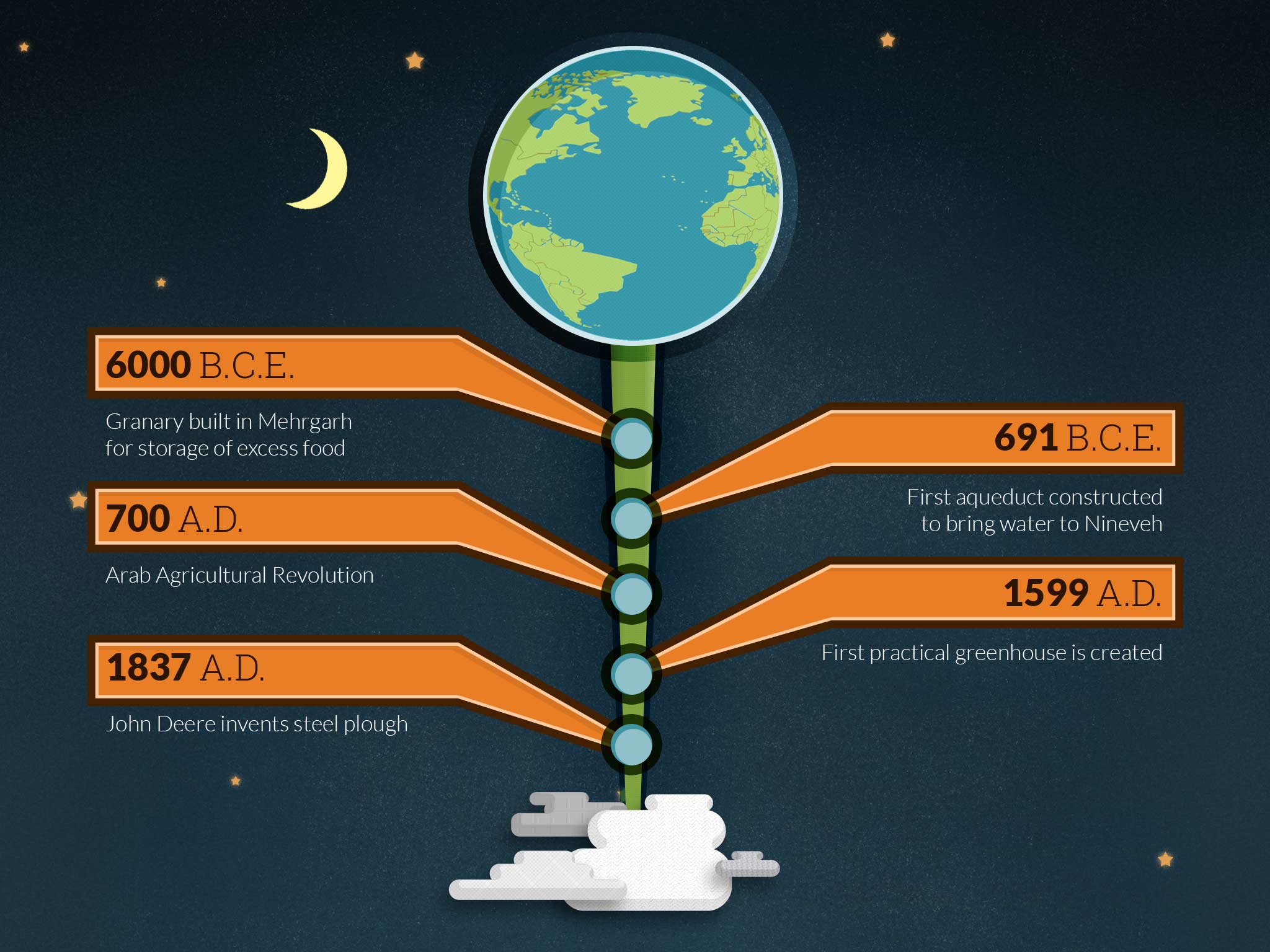
New idea for the corporate pollution pageMade longer so I can cover the fact it can’t repeatA family underwaterThe current logo in the new fontA backyardA balconyA city blockA window box
This week has been spent on building two new pages: Benefits of Urban Farming & Types of Urban Farms. Both have a similar structure, but one requires centering images, while the other involves spreading images across the background. Both pages have hover boxes that enable the user to see more information about each box.
I plan on adjusting the text a lot more, but I’m still trying to sort out a few details with the design before I mess with the text.
This week I’m trying to figure out the best way to show companies and their pollution. I’ve gone through a few placement ideas, but they all have some limitation. On top of all that, I’m trying to make everything repeatable, which adds a layer of complexity. One section, with a giant polluted lake was supposed to contain an interactive infographic, but the new hierarchy just isn’t making sense. The original design was running top to bottom, but now it’s running left to right. I’ll need to think about what information is absolutely necessary in order to make sure the message is very clear.
Original idea for corporate pollution pageRevised idea for corporate pollution pageThere will be an infographic over this section
Below you can see a few illustrations I created to communicate the benefits of urban farming:
This last week has been a struggle to make much progress. I have a GLA class that is taking all my time for a group project. What I have been able to complete has to do with rearranging pages, building new ones, and adding an overlay when they front page video play button is pressed.
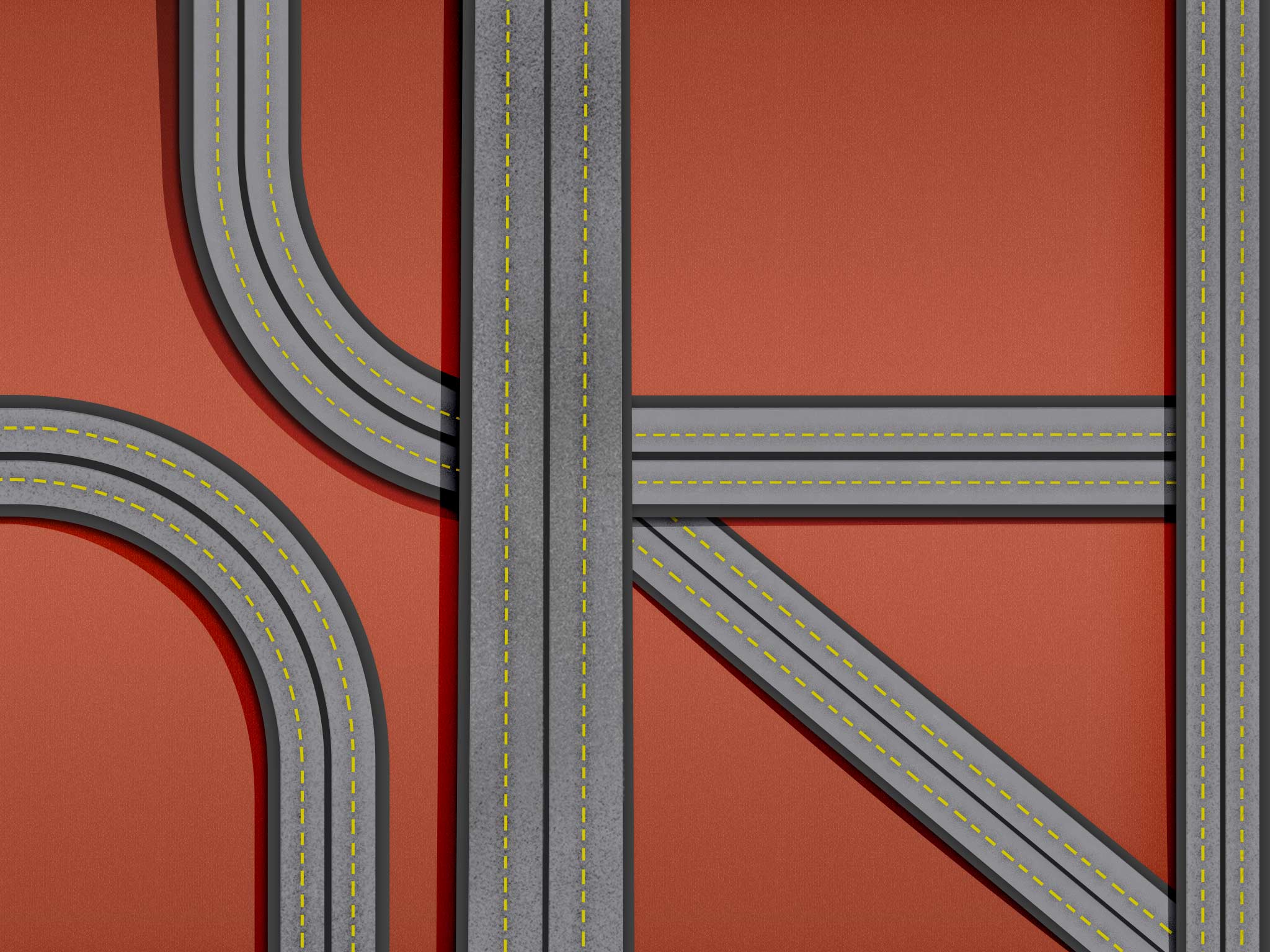
I have been thinking about how the web site is arranged, and based on my illustrations, it made sense to move “Rural Population Goes Urban,” Consolidation & Pollution,” and “Yearly Livestock” next to each other instead on top of each other. This way the long road continues all the way through the screen until it reaches the toxic waste area infographic. I also have been creating the background images for the two pages, “Consolidation & Pollution” and “Rural Population Goes Urban.”
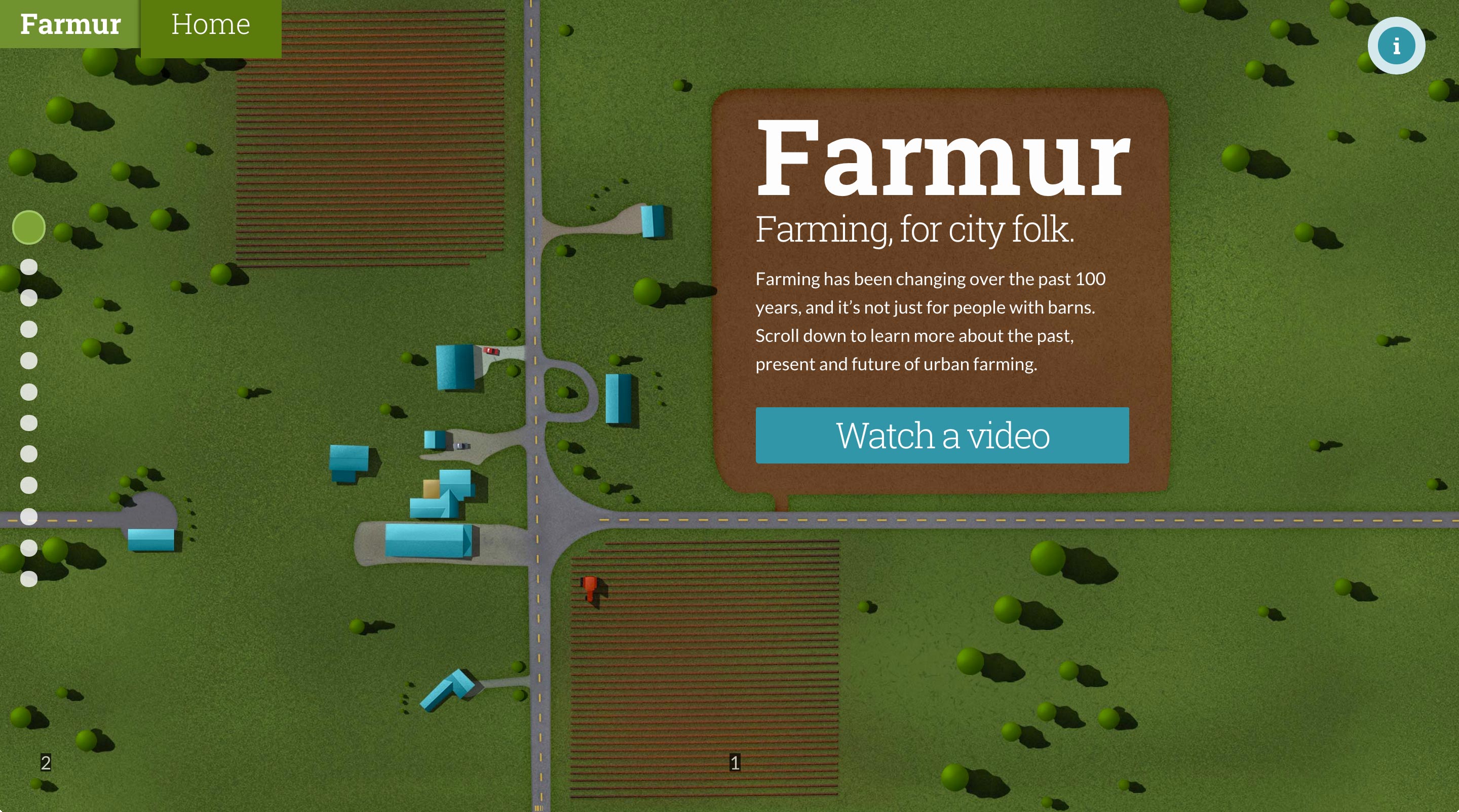
Lastly, on the home page, clicking on the “Watch A Video” button will trigger an overlay where the video will load into and play. There are currently some extra controls that will not be in the final design.
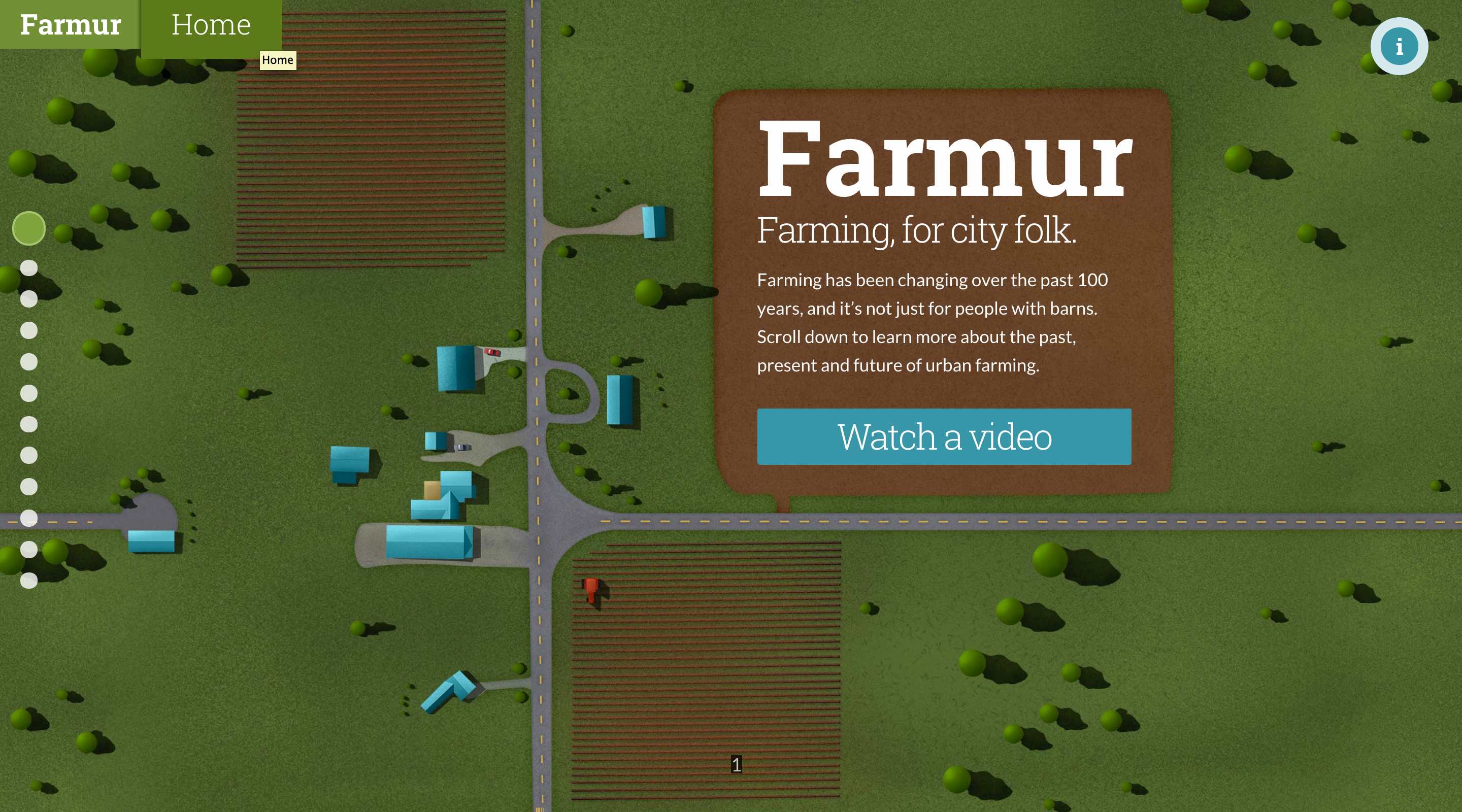
Still working on making specific pages repeatable. My home page saw a minor update; the dirt around the text was resized to make a more square shape around the logo and introduction paragraph.
This week I got sick with the flu, so I didn’t make the progress I was hoping. However, I did get half of the calculator working. When you add and remove people the amounts add up properly. Just a lot of trial and error involved in this process. Researching the options and trying to narrow in on what my particular need is.
You can see the latest version here. And you can see the data I’m working with below:
This week I spent a lot of time on making things repeatable on both the left and the right. The illustrations also should appear continuous as you flow up and down. This takes an incredible amount of effort to make full page illustrations that are tiled patterns. My process involved using Offset in Photoshop, and patching the newly created center line. Once the center line was painted out, I used Offset again to move the image back to where it was. Now that the edges fit repeated I took all the images and lined them up on top of each other. With this really long image I started painting the transitions between them to make the flow feel like one continuous illustration. Now, if someone resizes the window, the illustration won’t appear broken, it will all flow seamlessly together.
Current Home PageThe box for text was made larger and darker to help readabilityMade repeatable on left/right and continuous from top and bottomMade repeatable on left/right and continuous from top and bottomMade repeatable on left/right and continuous from top
Made repeatable on left/rightMade repeatable on left/right
I’ve spent a lot of time this week producing the calculator (estimation) page. This page is way more complex than I originally thought it would be, and has required lots of thinking. Not only is it a responsive nightmare, the underlying javascript that makes it work is way above anything I’ve ever tackled before. I’ve had to do a lot of planning and building of tiny components. All these tiny components will hopefully unite into one big working function in the end. One of the most complex issues I have had is dynamically inserting and removing “people” and “vegetables” as the user needs them. The way I finally decided on building this was to use a library called Masonry.js. This library allows dynamic insertion and removal of predefined blocks of code. I had to build a function that allows a user to click specific buttons to remove items, since the default is making the whole item clickable. After I get further along in this process I’ll do a more involved description of my process.
This week included lots of planning around implementing future animations. There aren’t much visual elements to present this week since I’m just planning, but there will be plenty next week. I plan to make all the sections I can into repeatable patterns, so each current section needs to be revised into a seamless pattern on the left and right sides.
A lot of my work this last week had to do with coding javascript and building a few new pages. I built two pages: Rural Population Goes Urban & Top Four Firm Consolidation. These two pages aren’t complete yet, but they are in progress. The next big thing I worked on this week is building two javascript functions. The first has to do with telling the current slide and the previous slide. I will need this information later on to tell the computer which animations to trigger. The last javascript function I have been trying to piece together has to do with the calculator I’m building. This is a rather large undertaking and is proving to be quite the challenge. I have only been able to start narrowing down what pieces will be needed, and haven’t actually started coding it yet.